
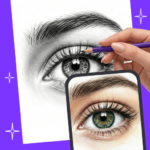
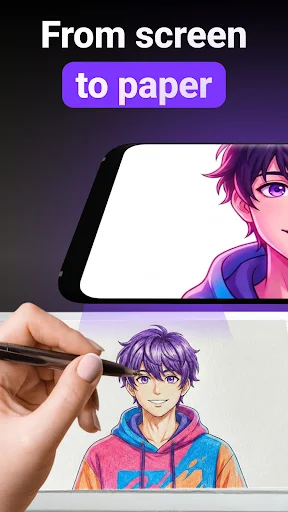
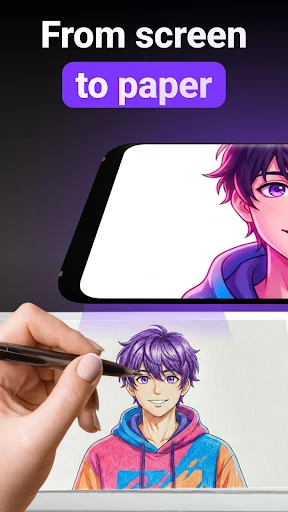
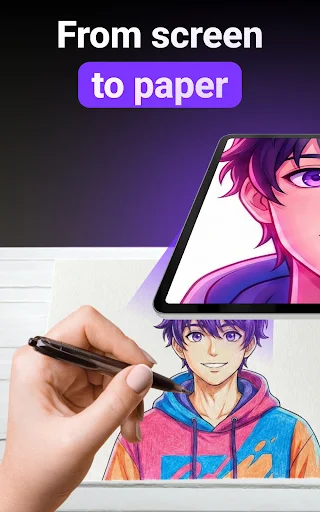
ARtie Lab: AR Drawing & Sketch is an app designed to transform how users approach sketching and tracing by leveraging augmented reality. It enables individuals to project virtual outlines onto real-world surfaces, such as paper or objects, using their phone’s camera. This allows users to trace or draw along the projected lines directly on the physical surface, guiding their hand to create artwork. The app’s core function is to make augmented reality drawing accessible for producing physical sketches.
Augmented Reality Drawing Process
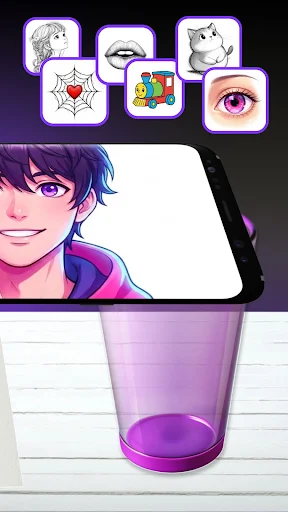
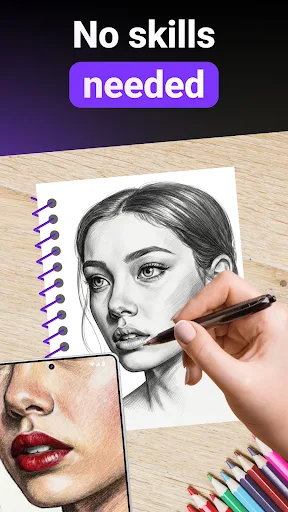
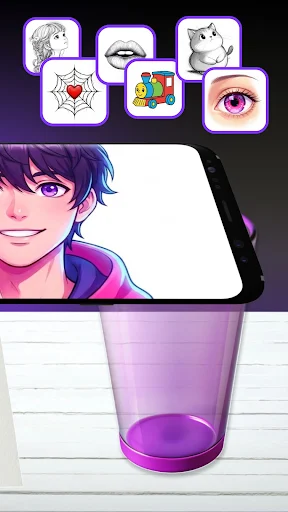
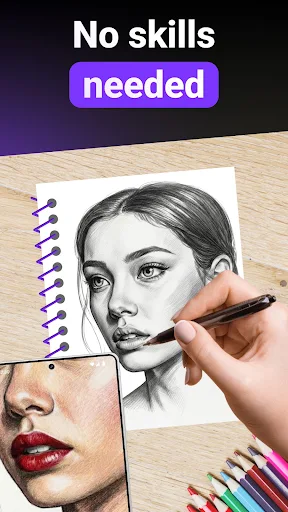
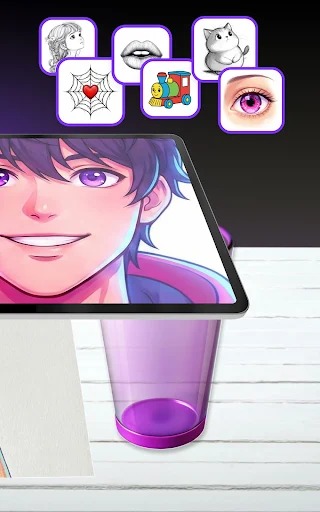
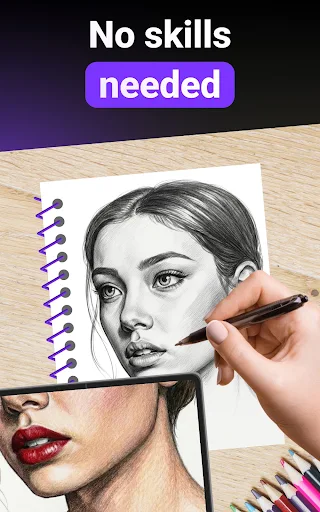
The app facilitates AR drawing by using your device’s camera to overlay virtual images onto any flat surface. To begin, a user places their phone above their intended drawing surface, like a piece of paper. ARtie Lab then projects a chosen image as an outline onto that surface. The user’s task is to follow these virtual lines with a physical drawing tool, effectively tracing the projected image onto the real object or paper. This method aims to guide the drawing process step by step.
Content and Import Options
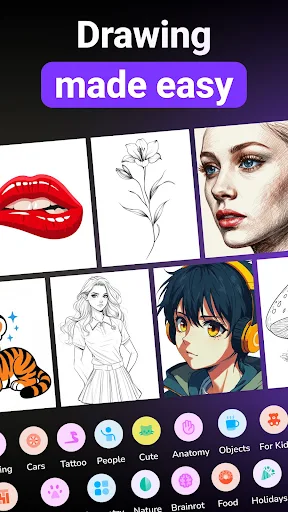
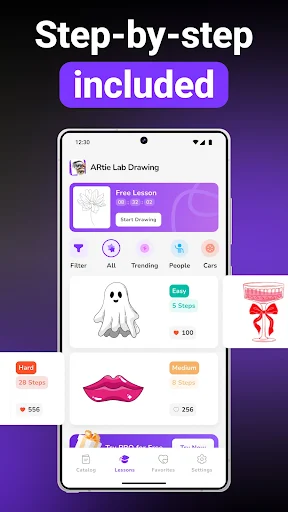
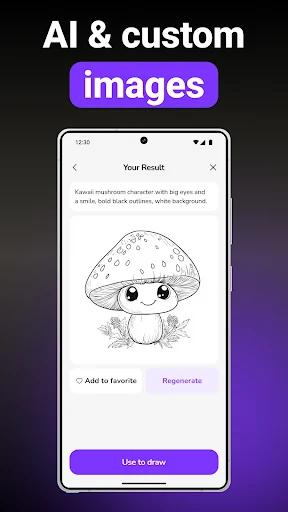
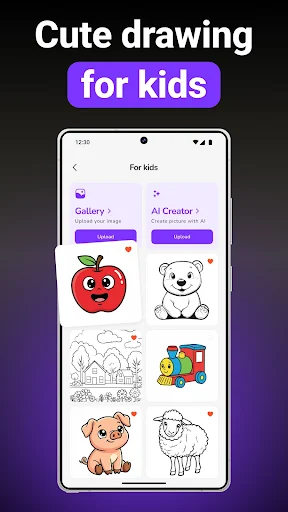
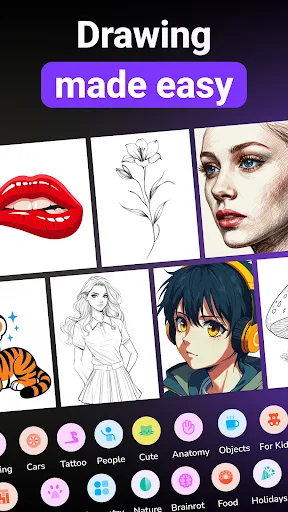
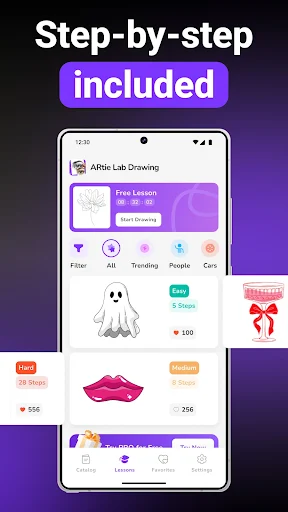
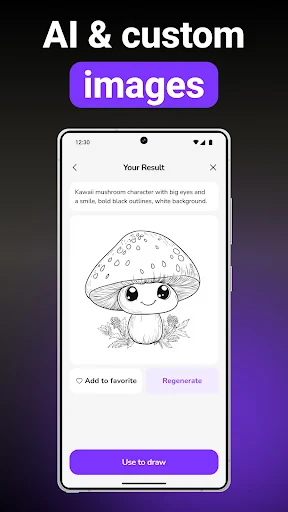
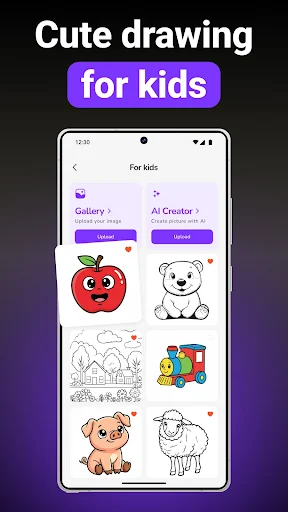
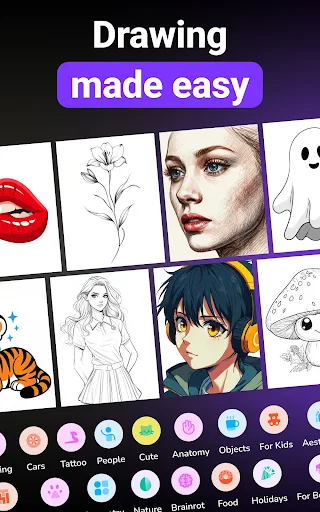
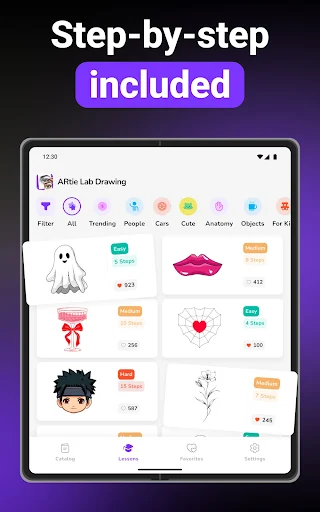
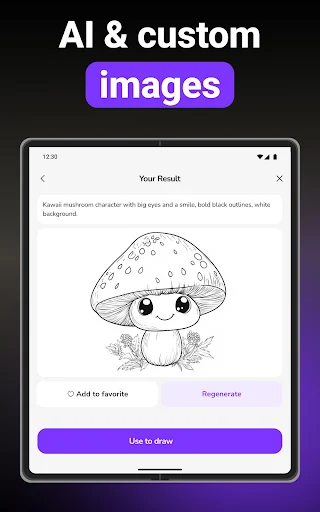
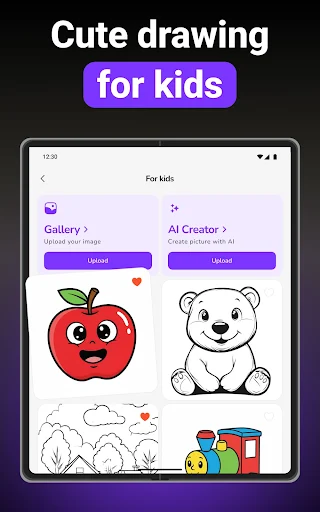
ARtie Lab provides a library of drawing templates organized into various categories, including Animals, Cars, Nature, and People. Users can select from these pre-existing templates to practice or create specific types of drawings. Beyond the built-in library, the app also supports importing personal photos directly from the device’s gallery. These imported images are then converted into traceable sketches, allowing users to draw from their own pictures.
Image Manipulation and Support Features
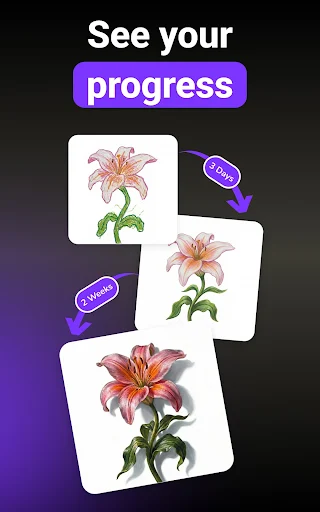
Once an image is selected or imported, ARtie Lab offers tools to adjust its projection. Users can move, resize, or rotate the virtual outline to fit their drawing surface and desired composition. For drawing in less-than-ideal lighting conditions, the app includes flashlight support, which can illuminate the drawing area. After completing a drawing, the app allows users to capture their finished artwork and share it.







Write a review